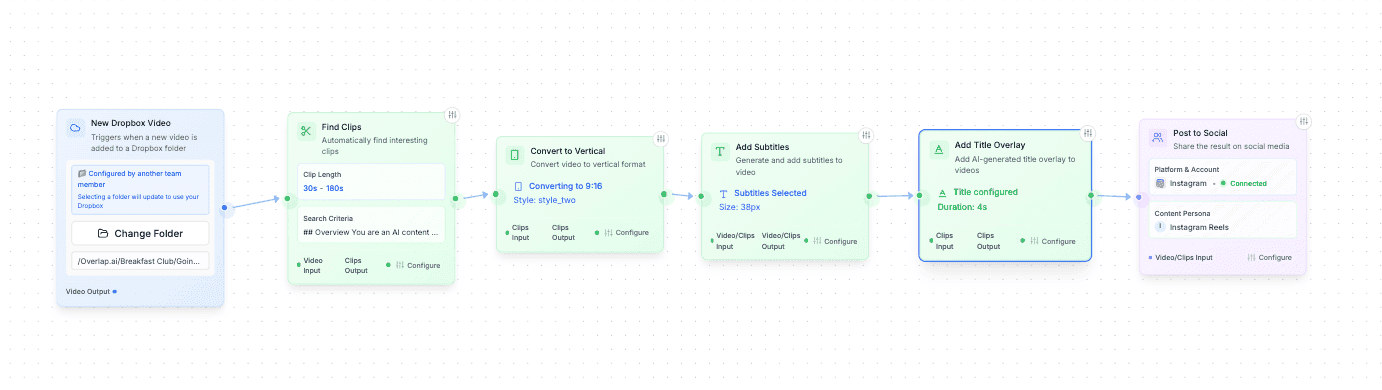
A clipping agent is a repeatable workflow: it watches a source, finds moments using your instructions, edits the clips, and sends them for review or publishing. Overlap brings those steps into one AI video clipping platform.
01
Connect a source
Start with a YouTube channel or a supported file source. Set a trigger for new uploads so each recording enters the same workflow.
02
Find and edit the moments
Tell the Find Clips node what to look for. Add vertical framing, subtitles and your branding, then refine the selected clips in the editor.
03
Review, publish and measure
Hold clips for approval or choose automatic publishing. Send them to your connected accounts and use performance reporting to inform the next batch.
A short podcast excerpt explaining how Overlap finds moments, edits clips and prepares them to share. This is a finished clip exported from Overlap.
Original episode moment
40:52–41:23
Finished clip
32 seconds · 9:16 vertical video · captions
A documented customer workflow
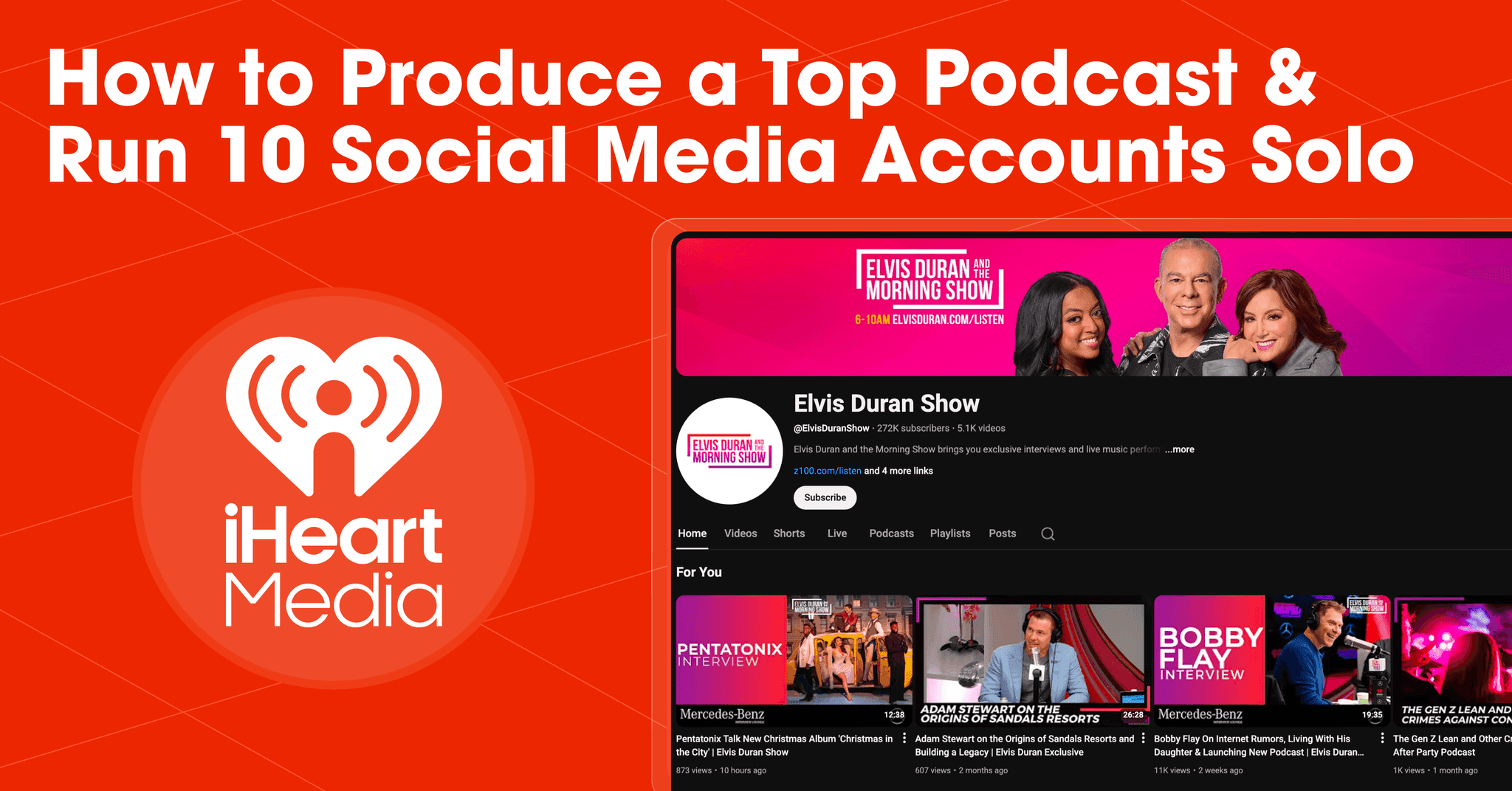
iHeartMedia used Overlap clipping agents to turn its long-form show library into edited, formatted clips published across its social channels. The case study includes the workflow and channel results.
Views generated to date
600M
Clips produced
100K
Editors hired
0
These are the results reported in this customer’s case study, not a forecast for a new campaign.
Read the iHeartMedia workflow and resultsWatch the product walkthroughSilent screen recording of the Overlap editor. Use the video controls to pause or review a step.
Track what works, plan every post, record from anywhere, edit with precision, and turn livestreams into a steady stream of clips — all in one workspace.
Analytics Tracking
Know what earns attention
Track views, engagement, watch time, and channel growth from one dashboard. See what is gaining momentum and give your team a clear signal for what to make next.
Social Calendar
Plan every channel from one calendar
Review what is posted, scheduled, or still waiting for approval across every account. Keep the whole team aligned without stitching together separate planning tools.
Recording Studio
Record together, from anywhere
Bring remote guests into a studio built for content teams. Capture clean video and audio while transcripts, captions, media, and layouts stay close at hand.
Video Editor
Edit the clip and the transcript together
Shape the story from the timeline or directly from the words. Reframe the video, tighten captions, manage media, and finish every cut without leaving the workspace.
Connect Livestreams
Turn live moments into ready-to-edit highlights
Connect a live source once, monitor the feed, and capture the moments that matter. Highlights arrive organized and ready for the same editing and publishing flow as every other recording.
Built for Teams
Scale without losing the keys.
One workspace for every brand you operate. Agents do the cutting and the posting; your team keeps the sign-off, the brand rules, and the numbers.
No post limitConnect every handle you own. The best accounts post across several niches in addition to their main one.Approvals built inClips can wait for sign-off, and nothing posts outside the rules you set.Brand, enforcedLogos, colors, caption styles, and personas are set once and inherited by every agent.One set of numbersPer-platform, per-account performance in one overview — no exporting from nine dashboards.
Case Studies
Teams already running it.
One study at a time — the team, the catalog, and the numbers it moved. Every one opens the page it came from.
America's largest audio company was sitting on thousands of hours of viral content. Here's how they turned it into 600 million views and 100,000 clips using AI-powered automation.
Playback was sitting on hours of gold—amazing content that no one saw. In just weeks, those hidden assets turned into 68M impressions after one game-changing move
Producing a live 4‑hour show while posting to 10 accounts? Impossible—until one smart workflow turned chaos into 15‑minute reviews and 800+ hours reclaimed.
In just weeks, Overlap turned a silent account into a 68M-impression powerhouse—powered by intelligent workflows and a strategy that works while you sleep.
Most companies need an army to manage this many channels. Here's how Leland built a content distribution system that posts 2,000 times per month without burning out their team.
A dormant archive of long-form videos became a viral content engine. Here's how Vezcos used AI automation to resurrect old content and rebuild their audience faster than starting from scratch.
How I Write features deep-dive conversations with creative minds like Sam Altman and Tim Ferriss. Here's how they turned hours-long episodes into a viral content engine without hiring an editor.
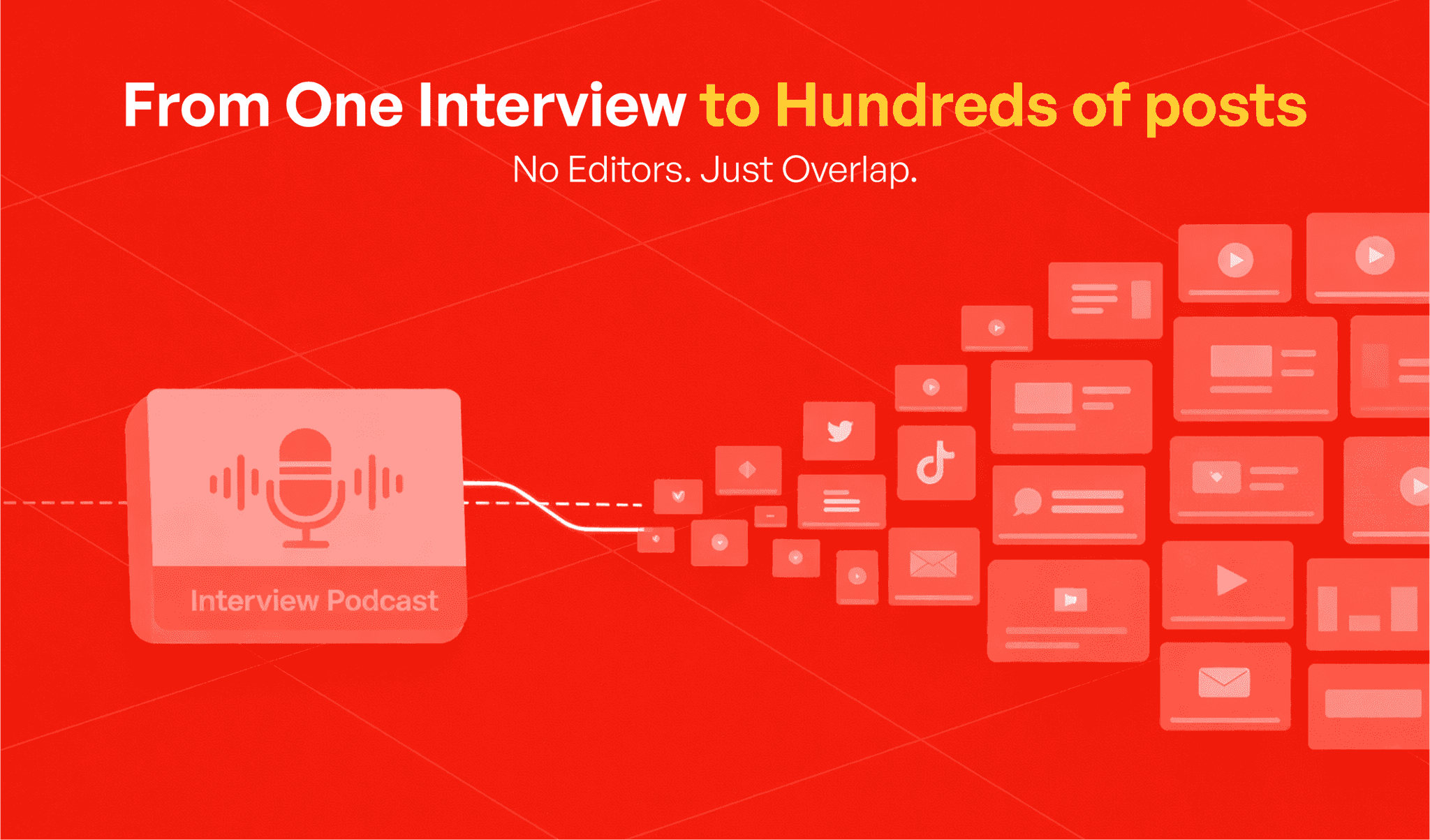
From podcast networks to sales enablement, Overlap turns every kind of long-form your organization produces into clips ready to publish.
Podcast networks
Every episode of every show, clipped the day it drops.
Radio & broadcast
Turn daily programming into daily short-form.
TV & film
Iconic scenes and reels from the catalog you already own.
Webinars & events
Highlights and takeaways from every session, at scale.
Sales & training
Repurpose wins and objections for enablement.
Faith & community
Share the message with the people who missed it.
Questions teams ask
An AI clipping agent runs a workflow that turns a long recording into short clips: a source trigger, moment selection, editing, and an export or publishing step. In Overlap, you build that workflow from the node library and choose whether clips need approval before publishing.
The places your long-form already lives — a channel you upload to, a podcast feed, a livestream as it happens, or files you hand it directly. The agent watches the source and starts cutting when something new appears, rather than waiting to be asked.
No. Your media, transcripts and performance data are used to run your own workflows and to show you your own results. They are not used to train models, and they are not shared with other customers.
All of it, and it is set once rather than per clip. Captions, framing, aspect ratio, the brand kit, the persona that writes the post and the rules about what may never run are configured on the workflow, and every agent inherits them.
Only if you choose that. A workflow can post on its own schedule or hold every clip for approval, and the setting is per workflow — so an established show can run hands-free while a new one stays supervised.
Yes. Any workflow can end in an export rather than a post, so the clips land wherever your team already works — your own scheduler, your asset library, or a download.
Yes — the developer docs cover the API and the CLI, and the node library documents every step a workflow can be built from. Both are linked in the footer of this page.
What is Overlap?
Overlap runs performance-priced AI clipping campaigns on customer-owned social accounts. It handles clip selection, editing, formatting, approval workflows, publishing, and reporting, while customers retain their accounts, followers, posts, and performance data.